

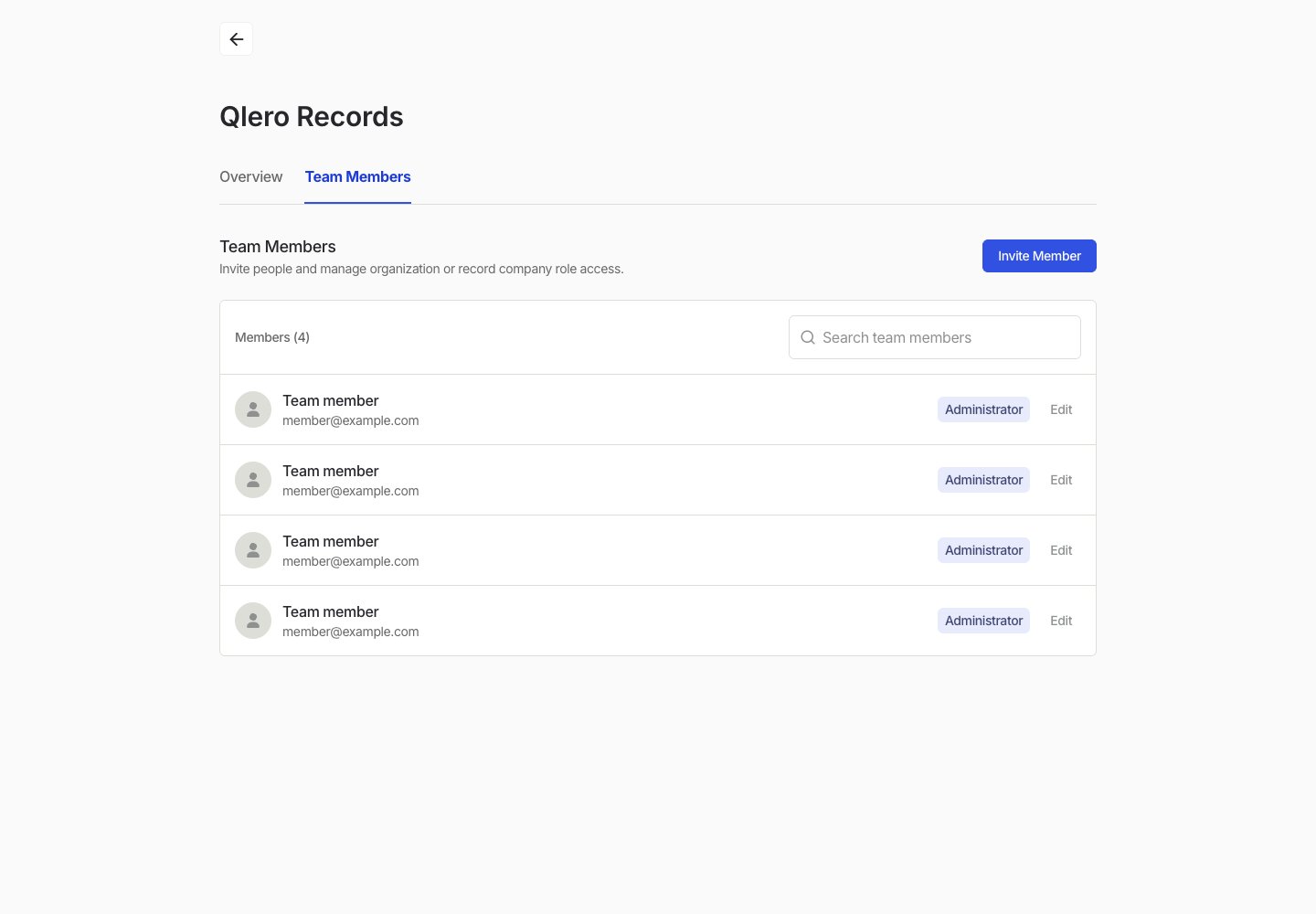
Invite a team member
- Open Organization Settings.
- Go to Team Members.
- Select Invite Member.
- Enter the person’s name and email address.
- Choose the access they should have.
- Send the invitation.
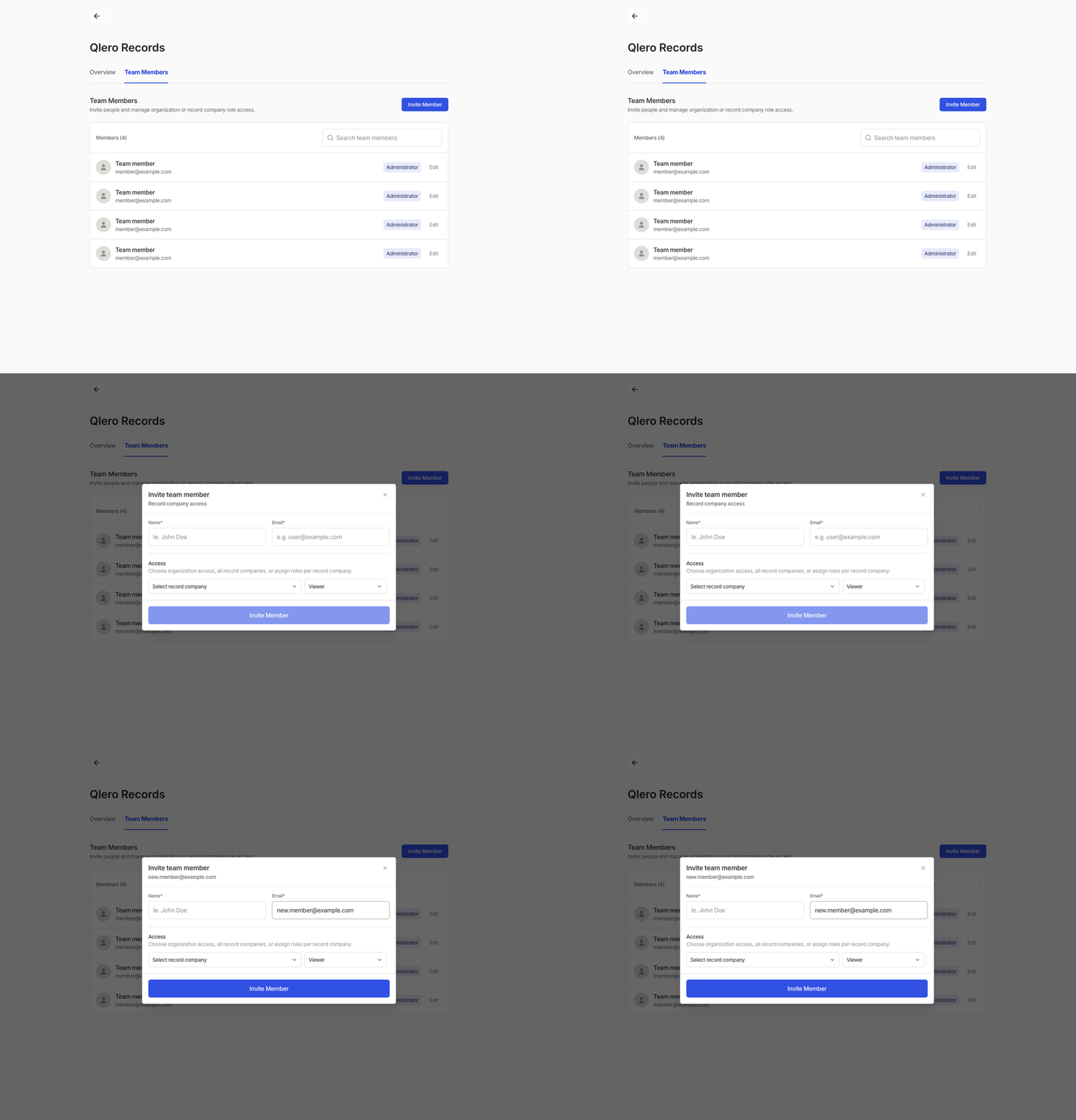
Choose the right access
Use organisation-level access for administrators who manage the organisation and its team members. Use record-company access for work inside selected companies, or All record companies when the same role should cover every current and future company. See User access and roles for role defaults, access requirements, and the separate Artist Portal access model.Edit a team member
- Open Organization Settings.
- Go to Team Members.
- Find the member and select Edit.
- Update their access.
- Save the changes.