

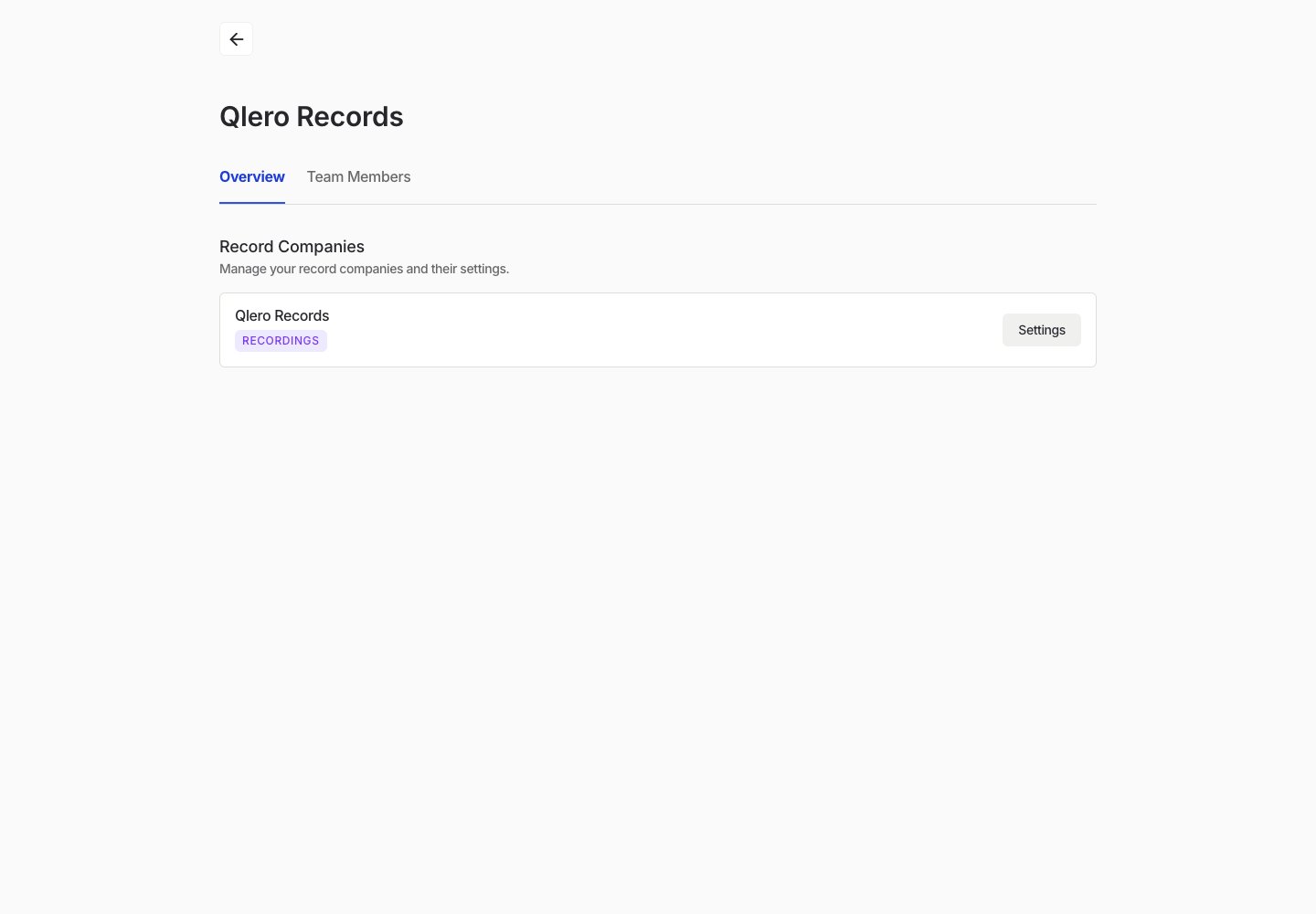
Open organization settings
- Sign in to Qlero.
- Open the user menu.
- Select Settings.
Open record company settings
- Open the Overview tab.
- Find the record company you want to manage.
- Select Settings.
Find organization-level settings and open settings for a record company.